Understanding the Gemini Android App Camera Redesign
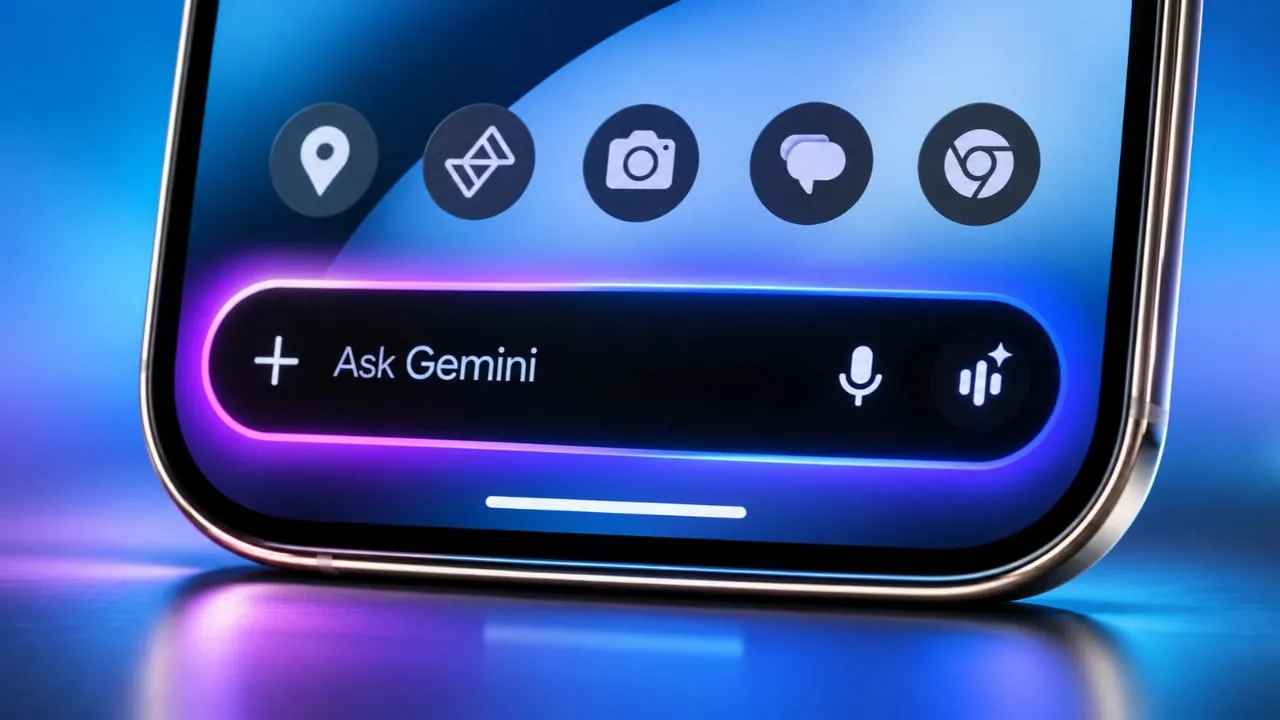
Google has redesigned the in-app camera inside its Gemini Android app with a sleek new inline interface. The update replaces the old fullscreen viewfinder that many users found generic and clunky.
The previous camera opened from the plus menu in the prompt box as a basic fullscreen viewfinder. It offered limited controls and felt disconnected from the rest of the Gemini experience. In contrast, the new camera appears directly on the Gemini homepage or within an active conversation as a bottom sheet. Users can drag it upward with a smooth animation to fill most of the screen. The layout now extends nearly edge-to-edge, even reaching behind the system navigation bar for a more immersive feel.
Background context on mobile user experience shows that inline interfaces reduce friction during multitasking. When users interact with artificial intelligence tools, switching contexts between full-screen media captures and text prompts often disrupts workflow. By embedding the camera directly into the chat stream, Google removes the barrier between visual input and conversational commands.
How the New Gemini Inline Camera Works on Android
Google also reorganized the camera controls in this update. A three-dot overflow button sits to the right of the capture button and animates when tapped. It reveals flash options along with a toggle to switch to the front-facing camera. On the opposite side, a back button lets users exit quickly. Additionally, swiping down on the viewfinder closes the camera entirely, making the whole interaction feel faster and more natural.
This redesign first launched in the Gemini iOS app before making its way to Android. It has now rolled out widely across both beta and stable channels in version 17.76 and later. Users who do not see the update can try force-stopping the Google app to trigger the refresh.
Understanding app version deployments helps clarify why certain features appear gradually. Technology companies typically use staged rollouts to monitor system performance and catch software bugs before every device receives the package. Force-stopping the application clears the local cache and forces the client to check for server-side feature flags.
New GIF Creation Feature Powered by Gemini Omni 1.2 Flash
Meanwhile, Google also introduced a new GIF creation feature powered by Gemini Omni 1.2 Flash on November 20. Users can select GIF from the Format menu or simply type "Create a GIF" in their prompt. Google positioned this as a replacement for searching through GIF libraries, saying users can now generate exactly what they want instead of settling for existing options.
Say hello to GIFs in Gemini. Say goodbye to searching for the perfect one. From looping photo effects to funny memes, create any GIF you can imagine with our latest video model, Gemini Omni 1.2 Flash, for smooth motion and consistent quality across every frame.
— Google Gemini (@GeminiApp) November 20, 2026
Generative media tools represent a major shift in how people communicate digitally. Instead of browsing third-party databases for a reaction image that roughly matches a mood, users can direct artificial intelligence to synthesize custom animations. The integration of Gemini Omni 1.2 Flash ensures that these visual assets render quickly without draining excessive processing resources on mobile hardware.
Impact of Recent Updates on Mobile Artificial Intelligence Assistants
Together, these updates show Google steadily refining the Gemini app into a more polished and feature-rich AI assistant on mobile.
The broader ecosystem of voice and vision assistants has grown increasingly competitive. Users expect multimodal capabilities that seamlessly blend text, photography, and graphic generation into a single continuous window. By streamlining the camera hardware integration and adding on-demand animation creation, the software bridges the gap between traditional utility apps and conversational interfaces.
What Comes Next for Gemini Users on Mobile Devices
As these features settle into public availability across stable and beta channels, developers continue to monitor engagement metrics and user feedback. Future iterations will likely expand formatting controls and fine-tune rendering speeds for generated media. Users should check their respective app stores or system settings regularly to ensure they receive the latest security patches and interface improvements as they deploy worldwide.