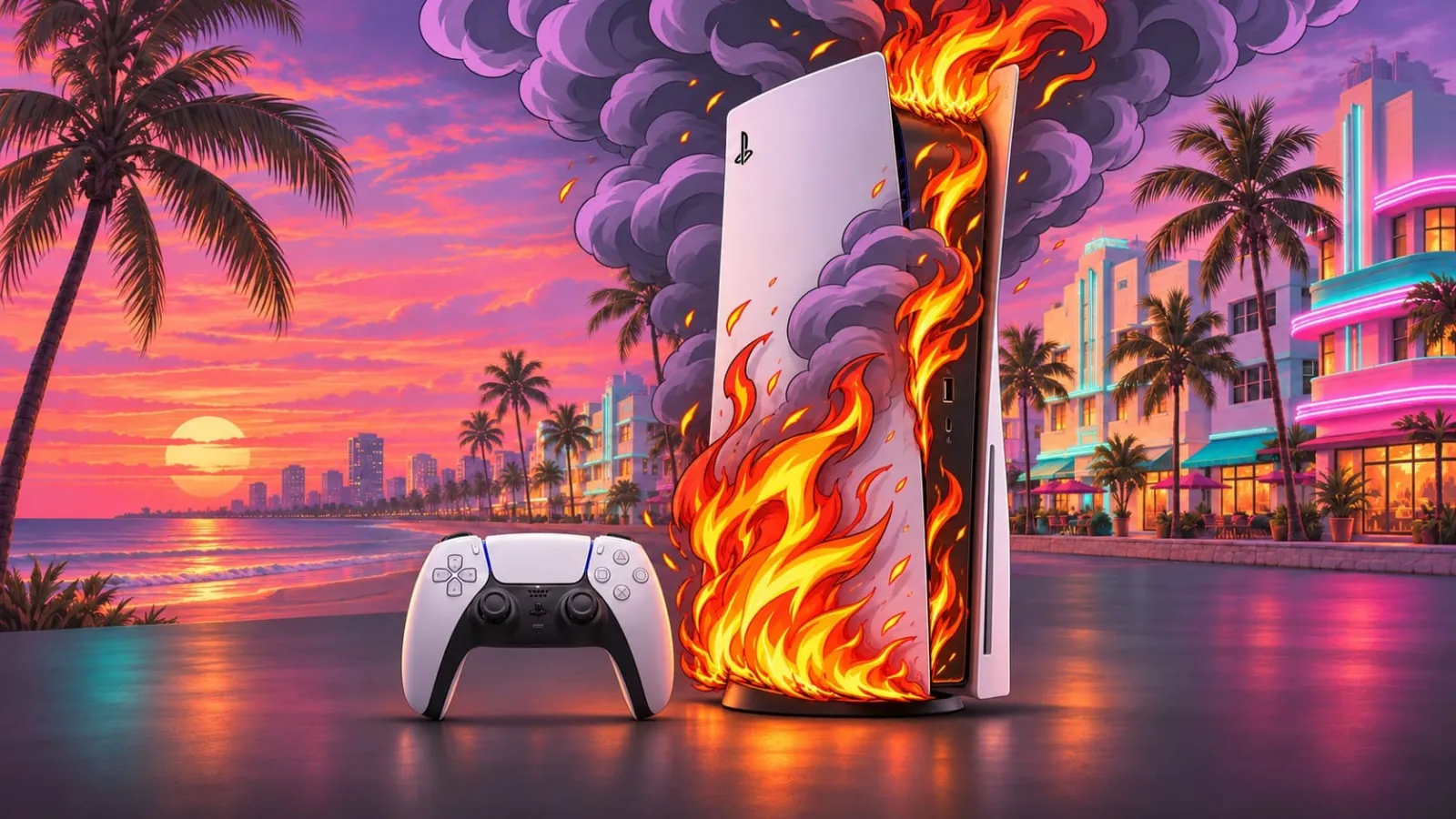
Two streamers have put GTA 6 PS5 crashes in the spotlight. One shared footage of Grand Theft Auto VI (GTA 6) freezing as strange visual glitches appeared over Jason and Lucia. The other said his PlayStation 5 started smoking while he played live. Other players have since described similar crashes, but the reports have yet to establish that the game damaged any consoles.
What the Streamers Saw During These GTA 6 PS5 Crashes
Streamer shivjam posted a short clip on X that shows the game suddenly freezing with visible distortion over both main characters. The distortion looks like a graphical artifact, a symptom sometimes linked to a graphics processor fault, though the footage alone cannot confirm a hardware defect. In the same post, shivjam turned the camera toward the interior of her PS5. The console appeared clean, with no visible dust buildup, and she noted that the unit had adequate airflow.
Okay this is for the saying I didn’t look after my console. It was kept in open space and I showed on stream it was in good condition and very minor dust. Stop being brain dead and claiming it’s full of dust 🐰 it’s not. https://t.co/iIX2pqnqe2
— shiv 🔜 on twitch (@shivjam) November 24, 2026
Fellow streamer JoJoJosiah described a different incident on X. He wrote that his PS5 began smoking during a GTA 6 livestream. He did not provide a video of the smoke, but his tweet sparked a wave of comments from other gamers who said they had seen similar signs of overheating. Some observers suggested that the intense demands of rendering GTA 6's large, detailed world could be a factor, though no definitive cause has been identified.
Was playing gta VI on stream but had to go poop. Paused it and put on a sensory vid for my chat PS5 started just smoking out its ass and now i need to get a replacement 😀 https://t.co/qSdfcCi4l1
— JoJoJosiah (@JoJoJosiah_) November 21, 2026
What Is Error Code CE-108255-1 and How Common Is It?
On the PS5 Help and Support subreddit, multiple users have reported crashes that display error code CE-108255-1. The code is a generic system error that can be triggered by a range of issues, from software conflicts to hardware overheating. At this stage, it is unclear whether older PS5 models are more susceptible or whether the newer PS5 Pro experiences the same problem.
Community members have shared two primary troubleshooting steps: powering down the console completely and clearing dust from its interior. Both steps are standard maintenance practices for any gaming console, but neither has been confirmed as a reliable fix for the CE-108255-1 error. As of now, no official patch from Rockstar Games has been announced to address these reports.
A smaller number of Xbox players have also reported crashes after long GTA 6 sessions. Some say they struggled to power the console back on after extended play, suggesting that the issue may not be limited to Sony hardware.
Why the GTA 6 Launch Has Brought PS5 Issues Into Focus
Rockstar promoted the PS5 as the optimal platform for GTA 6, emphasizing the console's ray-tracing capabilities and fast SSD. The marketing push led many fans to purchase a new PlayStation specifically for the title. Sales data confirm that the launch leaned heavily toward PlayStation, with Rockstar stating that GTA 6 generated more than $3.79 billion in its first 24 hours, making it the biggest entertainment launch on record.
The crashes are part of a broader set of controversies that have emerged since launch. The game's user score on Metacritic has faced a wave of review bombing, and a separate issue involves PlayStation Network (PSN) suspensions for sharing GTA 6 screenshots that contain nudity. PlayStation's terms of service prohibit sharing explicit images, even if they appear in-game, and some players argue that the policy is too restrictive.
For PS5 owners, the open question remains whether the freezes, visual glitches, and the smoking incident share a common root cause. As of November 26, no conclusive evidence links the incidents to a specific hardware fault, software bug, or user-side factor.
Understanding PS5 Hardware Limits and Heat Management
The PlayStation 5 uses a custom AMD Zen 2 CPU and RDNA 2-based GPU, paired with a high-speed SSD. While the hardware is designed for sustained performance, it runs close to its thermal limits during graphically intensive titles. The console relies on a large copper heat sink and a liquid-metal thermal interface material to dissipate heat. Proper airflow is essential; the unit draws cool air from the bottom and exhausts warm air from the top.
When a console is placed in an enclosed space, or when dust accumulates on the vents, temperature can rise quickly. Overheating can trigger system shutdowns, visual artifacts, or, in extreme cases, smoke from components that have reached critical temperatures. Sony's official guidance advises users to keep the console in a well-ventilated area and to clean dust from the vents regularly.
What Players Can Do Right Now
While awaiting an official statement from Rockstar or Sony, players experiencing similar crashes can take several precautionary steps:
- Power the console off completely, wait at least 30 seconds, then restart.
- Inspect the exterior vents for dust and clean them gently with compressed air.
- Ensure the console is positioned on a hard, flat surface with at least a few inches of clearance on all sides.
- Limit continuous play sessions to under two hours, allowing the system to cool between periods.
- Monitor system temperature via the console's built-in diagnostics, if available.
These measures do not guarantee a fix, but they align with best-practice maintenance for any high-performance gaming device.
What to Watch for in the Coming Weeks
Industry observers expect Rockstar to monitor the situation closely, given the scale of the launch. A software patch that optimizes memory usage or adjusts rendering settings could reduce the strain on the PS5's GPU. Sony may also release a firmware update that improves thermal throttling behavior.
Players should keep an eye on official channels, including Rockstar's news feed, Sony's support pages, and the PS5 Help and Support subreddit, for any announcements of patches or additional troubleshooting guidance. In the meantime, documenting crash logs and error codes can help developers pinpoint the root cause.
Broader Implications for Future Game Launches
The GTA 6 incident highlights the challenges of launching a graphically demanding open-world title on a console that is already near its performance ceiling. Developers must balance visual fidelity with hardware stability, especially when a game is marketed as a showcase for next-generation capabilities.
Publishers may increasingly adopt staged rollouts, allowing them to collect telemetry data from early adopters before a full worldwide release. Such an approach could help identify edge-case bugs like the CE-108255-1 error before they affect millions of players.
For consumers, the episode serves as a reminder to maintain their hardware and to stay informed about known issues. As gaming hardware continues to evolve, the partnership between developers, manufacturers, and the gaming community will be essential to ensure a smooth experience for high-profile releases.