WhatsApp Introduces Sound Stickers in Latest Beta Testing Phase
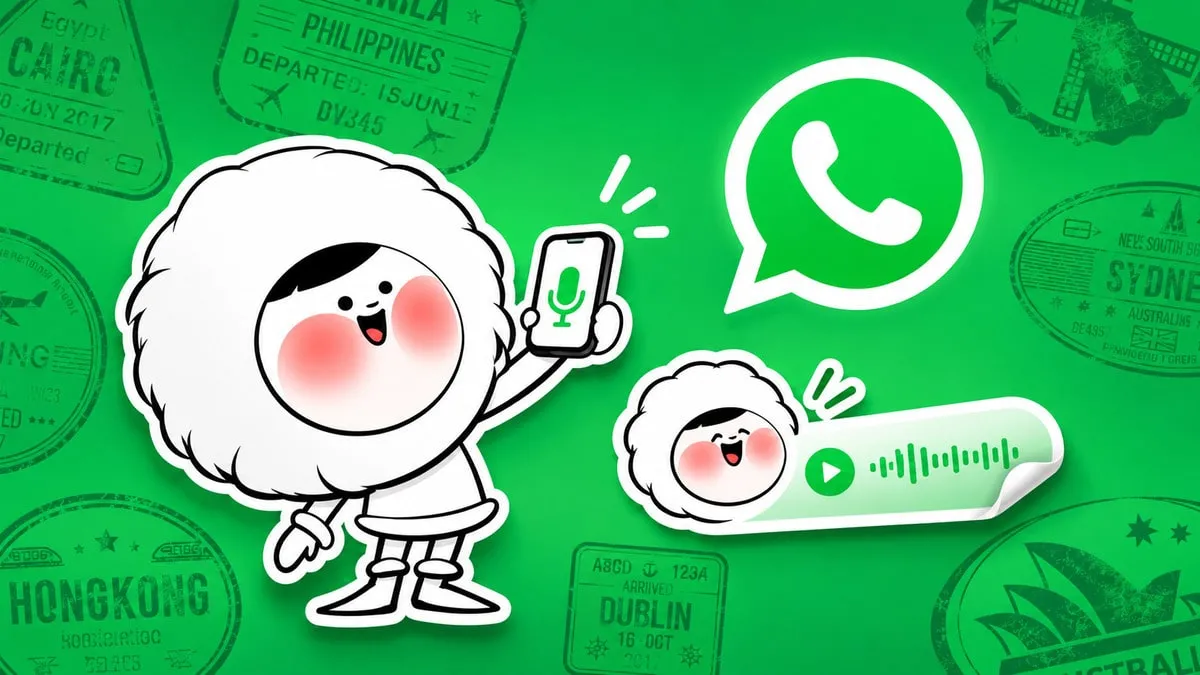
WhatsApp is rolling out a sticker tool that lets selected users attach their own voice recordings to animated reactions. The feature combines a video-based sticker with audio chosen or recorded inside the editor, according to a report published on November 25.
This development expands the messaging platform's multimedia capabilities by merging visual animations with custom sound clips. Users participating in the current beta testing phase can experiment with these interactive visual elements in their private and group chats.
How the WhatsApp Sticker Editor Works
Users with access can open the sticker keyboard, select Create sticker, and choose a video from their gallery. WhatsApp converts the clip into an animated sticker, with a new audio button appearing at the top of the editor.
That button opens several sound options. Users can keep the video's original audio, choose a built-in effect, import an audio file, or record a voice note directly in the editor.
On iOS, the editor also allows users to preview the selected audio before creating the sticker. Available effects include laughter, crickets, and a cat purring.
Evolution of WhatsApp Sticker Creation Tools
WhatsApp announced its video-to-animated-sticker maker in June 2025. The sound feature adds audio selection and recording to that existing creation process, giving users more creative control over how they express themselves.
Sound stickers were first documented under development in an Android beta in October 2026. The latest reports show the feature reaching selected accounts after months of behind-the-scenes engineering and testing.
How Sound Stickers Appear and Play in Chats
A small audio icon identifies stickers with sound attached. Audio starts muted, and the recipient can tap the icon to hear it, ensuring that chats do not become unexpectedly noisy.
The sound repeats three times before stopping. Reports indicate that end-to-end encryption protects both the sticker and its audio track, maintaining the platform's standard security measures for messaging content.
Current Availability and Platform Versions
The feature has reached some Google Play beta testers using Android version 2.26.47.1. On iPhone, access has been identified through TestFlight version 26.46.10.70 and among some App Store users.
Availability varies between accounts, including those running compatible beta versions. Observers expect access to expand over the coming weeks, while a general-release date remains unannounced by the company.
Background on WhatsApp Customization Features
Messaging applications continually introduce multimedia options to keep users engaged and compete with rival platforms. Custom stickers have grown in popularity since their introduction, moving from static images to animated loops and now interactive sound elements.
The ability to create custom stickers directly inside the application reduced the need for third-party sticker maker apps. Adding audio capabilities represents the logical next step in personalizing digital communication for billions of active monthly users around the world.
Technical Implementation and Security
Integrating audio files into animated stickers requires careful management of file sizes and compression to ensure messages send quickly. End-to-end encryption ensures that personal voice notes and custom audio attached to stickers remain private between the sender and receiver.
Developers must balance media richness with app performance, which explains why new features roll out gradually to beta testers before receiving a wide public release.
What to Watch for Regarding Future Updates
As testing continues on both Android and iOS platforms, developers will likely address any bugs reported by beta participants. Users hoping to access the feature should keep their applications updated to the latest compatible versions through official app stores.
A wider rollout timeline depends entirely on the stability observed during the current testing phase. No official date has been set for when all global users will find the sound sticker tool inside their creation menus.