Grand Theft Auto VI Launch Details and Pricing
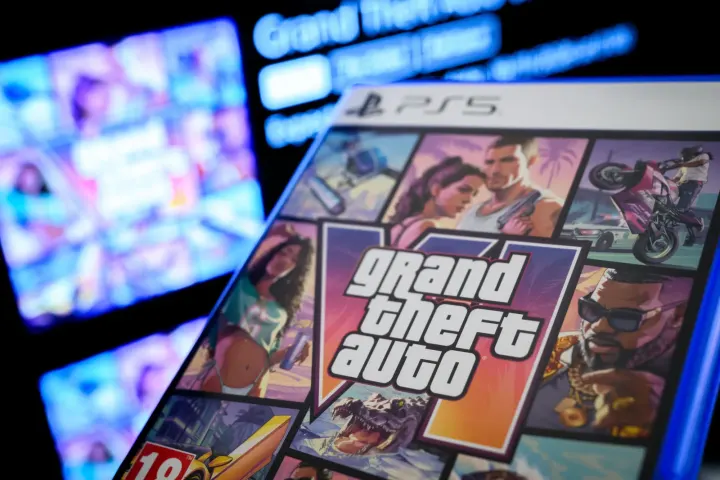
Rockstar Games brings Grand Theft Auto VI to the UK market after a 13-year wait. The Standard Edition carries a price tag of £69.99 for players eager to explore the new title.
The title unlocks at midnight for players across the UK on PlayStation 5 and Xbox Series X|S. Some regions, such as New Zealand, receive access earlier due to time zone differences.
Players planning to jump into the action immediately must ensure the software is installed ahead of time. Heavy server traffic is expected at midnight, and the download requires 212 GB of free storage space.
How Game Sharing Works for GTA 6
Households and friends looking to reduce costs can use game sharing features on modern consoles. Only one person needs to purchase the title at full price for another user to access it.
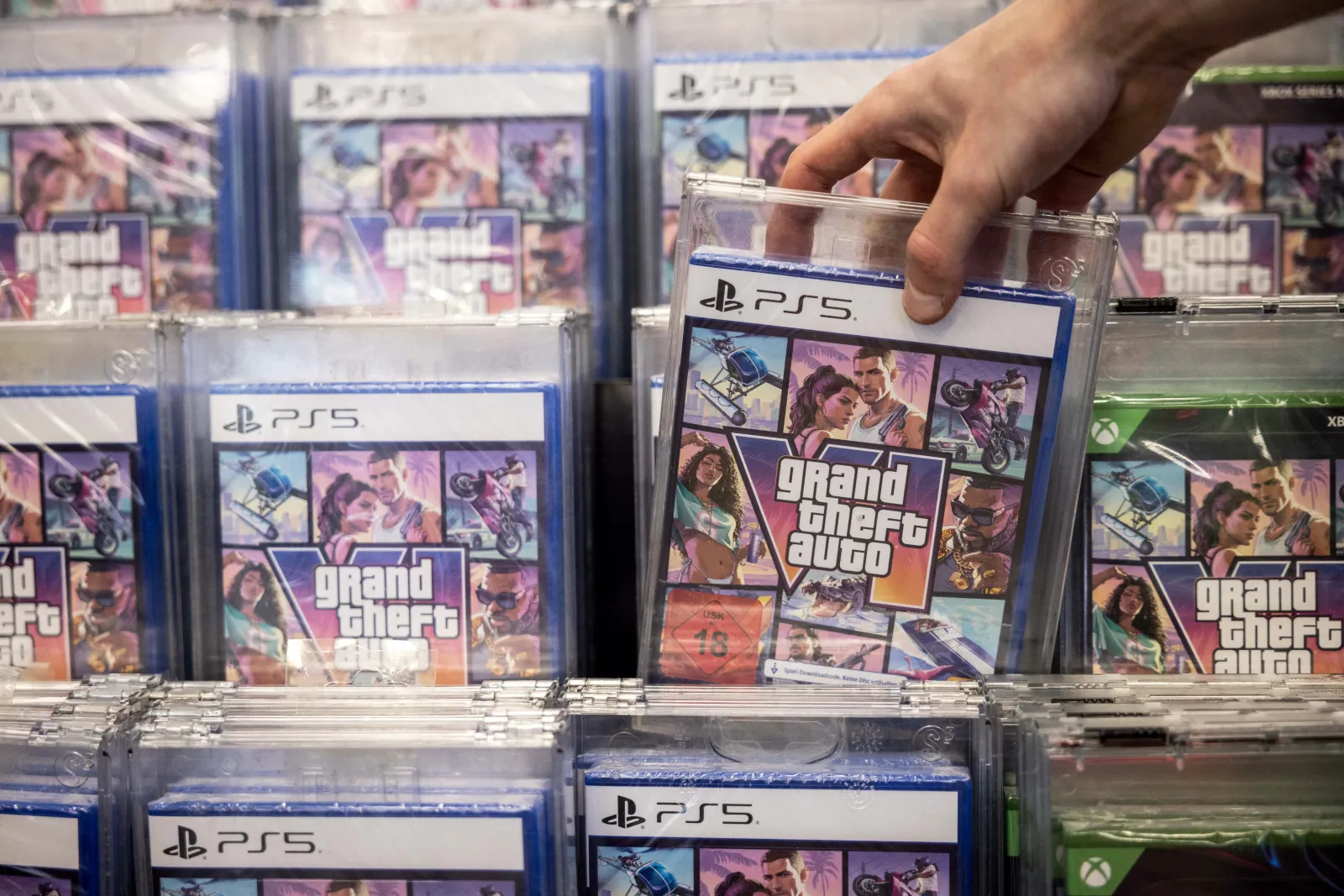
Physical boxed copies also support this method because they include a download code. Once redeemed, the code ties the digital software to the account that claimed it.
This setup allows players to split the overall fee and share the experience without buying separate digital copies. Understanding the platform settings ensures a smooth setup process before launch time.
How to Enable Console Sharing on PlayStation 5
PlayStation users must enable specific settings to share their digital library with friends or family members. The account that owns the download needs to activate Console Sharing and Offline Play.
Sony designs this process to be straightforward through the system settings menu. Users must navigate through the dashboard to configure their primary machine properly.
Follow these steps on PlayStation 5:
- Go to Settings -> User and Accounts -> Other -> Console Sharing and Offline Play
- Select the Enable option
Enabling this feature permits anyone using that specific PlayStation 5 to play downloaded games and media even when the console lacks an internet connection. Accounts can only use this setting on one PlayStation 5 at a time. Activating it on a new device requires turning it off on any previous console.
Users who no longer possess their old hardware can still deactivate it remotely. Signing into Account Management via a web browser allows players to sort the process from there.
How to Share Games on Xbox Series X and S
Microsoft offers a comparable system on Xbox Series X and Xbox Series S consoles. Players can designate a specific machine as their home Xbox to grant friends and family access to owned content.
Once a digital title downloads to the designated home Xbox, the software links directly to that hardware. Anyone signing into that console can then access the shared library.
To change which device acts as your home Xbox, follow these steps:
- Press the Xbox button on your controller to open the guide.
- Select Profile & system > Settings > General > Personalisation, and then select My home Xbox.
- Either make this your home Xbox by selecting Make this my home Xbox
- Or to remove the console as your home Xbox, select Make this my home Xbox and then Remove this as my home Xbox.
Storage Requirements and Server Preparation
Players must prepare their hardware well before the midnight release window. Managing hard drive space prevents unexpected delays when the servers go live.
The massive file size demands 212 GB of free storage space on both PlayStation 5 and Xbox Series X|S. Clearing out unused titles ahead of time ensures the installation completes without storage errors.
Pre-loading the software helps avoid peak traffic congestion on the distribution networks. Gamers who use game sharing should coordinate with their sharing partner to decide whose console downloads the files first.