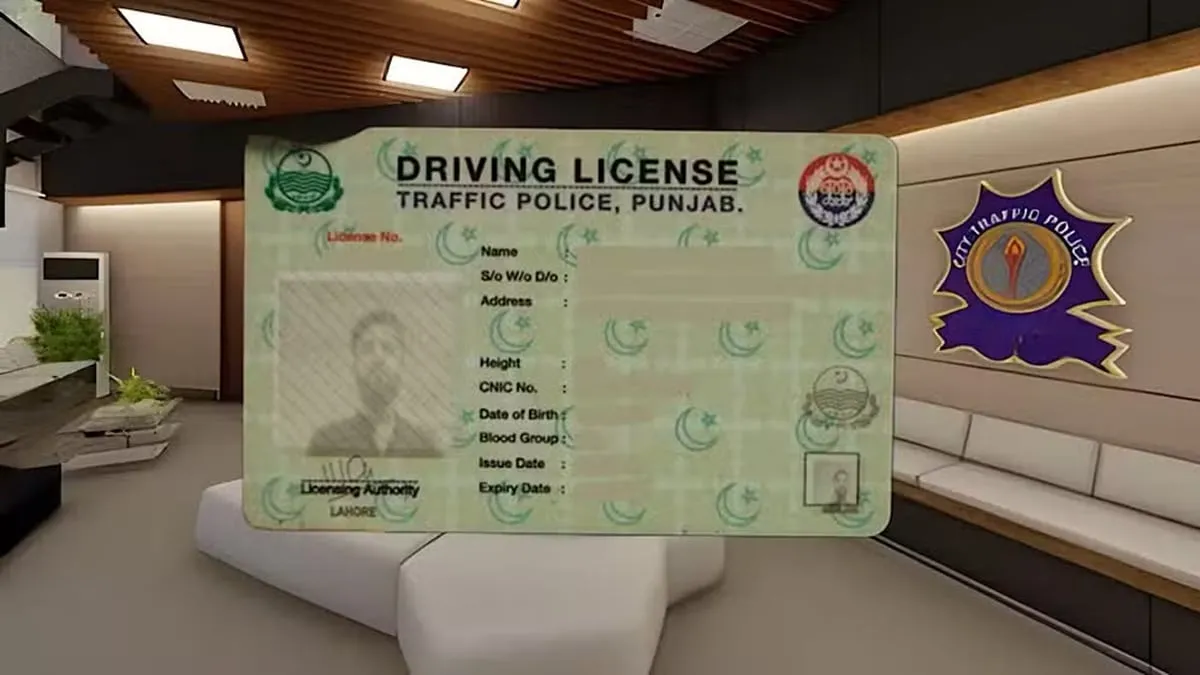
People living in Punjab may follow a short procedure on the Driving License Information Management System (DLIMS) to monitor their licence applications via the internet.
The digital tracking service enables users to view the progress of their licences from home by entering their Computerized National Identity Card (CNIC) number.
How to Track Your Driving License Online
Use the following actions to find out the status of your licence:
- Search for DLIMS Tracking: Go to Google and type "DLIMS Tracking."
- Open the Tracking Application: Select the DLIMS tracking link.
- Enter Your CNIC Number: Input your 13-digit CNIC in the designated box.
- Complete the CAPTCHA: Fill in the answer shown in the verification challenge.
- Click Track License: Press the button to submit and view your licence status.
How to Check Your License Printing Status
Once the details are submitted, the page will show the current status of your licence.
If the message reads "Your regular license is in printing queue," the licence is pending printing.
When the licence has been printed and sent out, the system provides tracking details for delivery. If a Pakistan Post tracking number is supplied, users can follow the parcel on the postal service's website.
This online option lets anyone in Punjab verify their licence progress without traveling to a licensing office just to ask about the application.