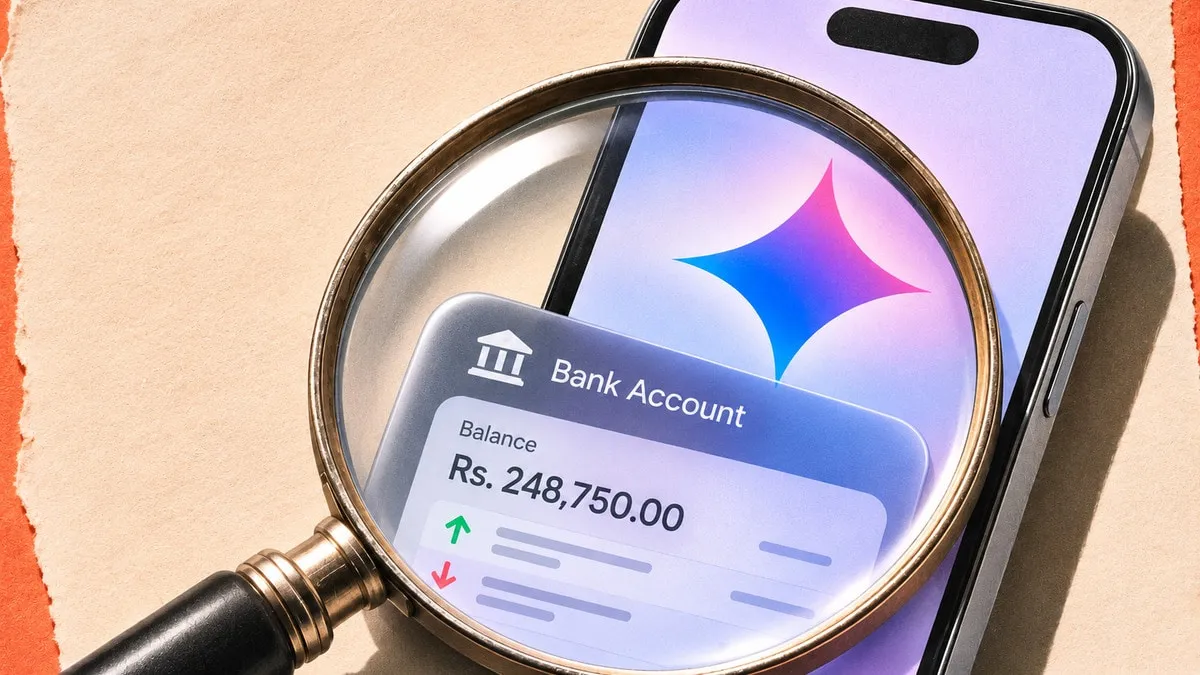
Google Gemini can now connect to your bank account through Google Wallet and use your transaction history to answer questions about spending, subscriptions, and budgets. Google began rolling out the optional feature on November 13 in the US on Android, iOS, and the web.
How the Integration Works
Google Wallet joins Gmail, Google Photos, YouTube, and Search in Gemini's Personal Intelligence settings. Users can enable Wallet under Connected Apps, then type @Google Wallet in a Gemini chat to ask about their finances. The process is designed to be optional and user-initiated, meaning the AI does not automatically pull data without explicit permission.
To provide more detailed answers, users may link bank accounts and credit cards to Google Wallet through the third-party service Plaid. Plaid, a widely used financial-data aggregator, confirms that the integration also supports linking loans and investment accounts, expanding the range of financial information Gemini can reference.
What Gemini Can Do With Your Data
Once accounts are linked, Gemini can review a quarter's spending and generate charts for cash flow, asset allocation, and budgets within the chat. Google's demonstration shows a user asking Gemini to review last quarter's spending to help plan how to save $1,000 over the next three months. The AI can break down expenses by category, highlight trends, and suggest actionable steps.
Gemini can also find recurring charges across linked accounts, flag subscriptions that went up in price during the year, and suggest a holiday budget based on last year's spending on gifts and travel. In addition, it can summarize rewards and offers tied to cards and passes saved in Google Wallet, giving users a quick view of points, cash-back rates and promotional deals.
Privacy and Security Safeguards
Google says Gemini has read-only access to linked financial data. It cannot make payments, transfer funds, or manage or invest your money. Users retain full control: they can disconnect Wallet in Gemini's settings or unlink individual accounts in Google Wallet at any time. The read-only model mirrors Google's broader approach to personal data, where AI tools are granted limited permissions to reduce risk.
Data transmitted between Google Wallet, Plaid and Gemini is encrypted in transit and at rest. Google's privacy policy states that financial information is stored only for the duration needed to generate a response, after which it is deleted unless the user opts to keep a transcript. The company also requires two-factor authentication for account access, adding an extra layer of protection against unauthorized entry.
Eligibility and Availability
The feature is rolling out in English to US users aged 18 or older. It requires a personal Google account and the Keep Activity setting to be enabled. Work and school accounts are ineligible, and the integration isn't available in Gemini Live or Gems, Google's real-time conversation modes.
Because the rollout began on November 13, availability may vary by device and operating system version. Early adopters on Android 14, iOS 17 and the latest Chrome browser have reported successful linking, while users on older software may need to update before the option appears.
Background: AI and Personal Finance
Google's move follows a broader industry trend of embedding AI into personal finance tools. In recent years, competitors such as Apple, Microsoft and fintech startups have introduced chat-based budgeting assistants that pull data from bank APIs. The advantage of Gemini is its integration with Google's massive data ecosystem, allowing users to query financial information alongside emails, calendar events and travel plans in a single conversational interface.
Plaid, founded in 2013, powers data connections for thousands of fintech apps. Its partnership with Google is notable because it brings Plaid's secure aggregation layer into a consumer-facing AI product, a step beyond the developer-only APIs that have traditionally powered budgeting apps.
Potential Impact on Users and the Market
For consumers, the feature promises quicker insight into spending habits without opening separate budgeting apps. A user who regularly checks Gmail for receipts can now ask Gemini, "How much did I spend on dining last month?" and receive a visual breakdown instantly. This could reduce friction for people who find traditional budgeting software cumbersome.
Financial institutions may see increased demand for open-banking connections as more consumers expect AI-driven insights. Banks that already support Plaid will likely experience smoother adoption, while those without Plaid integration may need to add compatible APIs to stay competitive.
What to Watch Next
Google has not announced a timeline for expanding the feature beyond the United States or adding support for additional languages. Observers will monitor regulatory responses, especially from the Consumer Financial Protection Bureau, which oversees data-sharing practices in the banking sector.
Users should keep an eye on updates to the Keep Activity setting, as Google may introduce new privacy controls or data-retention options based on feedback. The company also hinted at future enhancements, such as proactive alerts for unusual spending, but those remain speculative until formally announced.
Practical Takeaways for Users
- Enable the Keep Activity setting in your Google account before linking financial data.
- Link only the accounts you feel comfortable sharing with an AI; you can always disconnect later.
- Use the @Google Wallet command in Gemini chats to ask specific questions about cash flow, subscriptions or budgeting goals.
- Review the read-only permission notice to understand that Gemini cannot move money on your behalf.
- Monitor any email notifications from Google about data deletion or policy changes.
By following these steps, users can safely explore the new financial-assistant capabilities while maintaining control over their personal data.