Understanding the Pak ID Account Recovery Process
The National Database and Registration Authority has shared a simple way for citizens to regain access to their Pak ID accounts if their CNIC number is already registered. Managing digital identity documents has become a routine part of daily life for millions of people. When technical hurdles arise, knowing the correct procedure prevents unnecessary frustration and ensures continuous access to vital government services.
According to NADRA, some users may see an error message stating that their CNIC number is already linked to another account when trying to register on the Pak ID mobile app. This conflict typically happens when an individual previously set up a profile using the same identification number but forgot their login credentials. Instead of attempting to create a fresh profile, citizens must follow specific recovery protocols to merge their activities with their original credential record.
NADRA advises users to recover their existing accounts. They should not create new accounts. Creating duplicate profiles causes administrative bottlenecks within the database architecture, which is designed to maintain a single, unique digital identity for every citizen.
Step-by-Step Guide to Recovering Your Pak ID Credentials
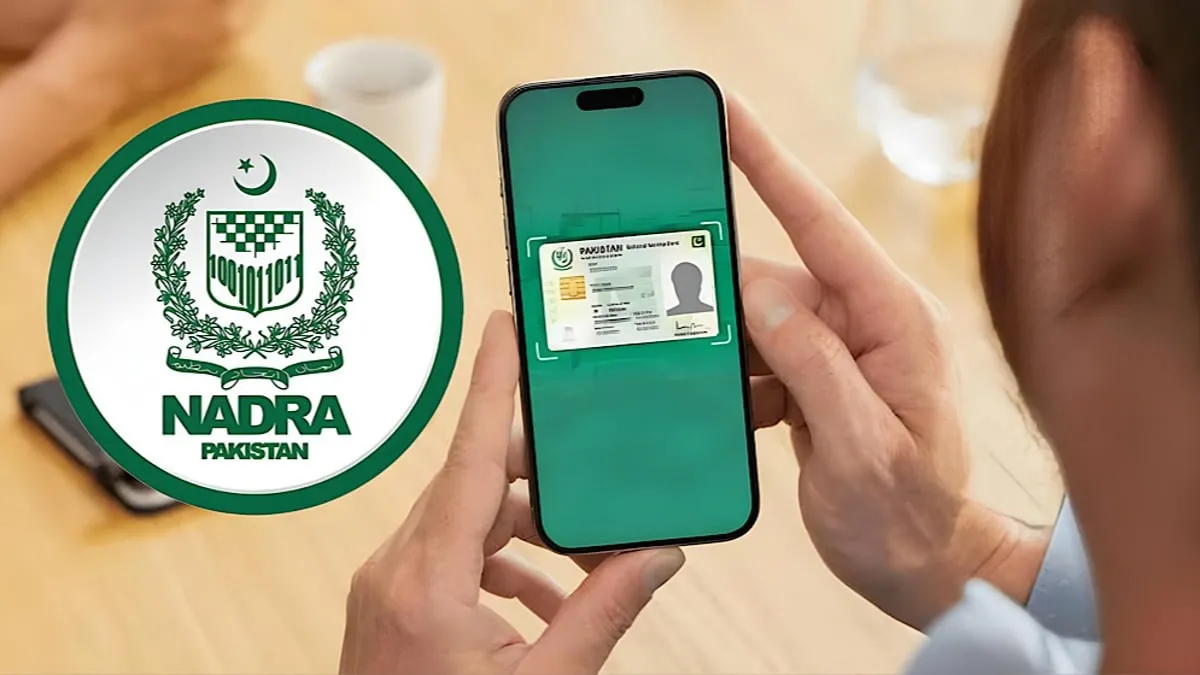
Navigating the recovery workflow requires patience and attention to detail. NADRA explained that users can resolve the problem through the app's password recovery option and identity verification process. The mobile application serves as the primary gateway for remote identity management, meaning all security checks take place directly within the software interface.
To recover their account, users should open the Pak ID mobile app and enter their CNIC number on the login screen. This initial entry triggers the system to check the database for pre-existing records associated with that specific identification number. Once the system flags the existing record, the user can proceed with the automated recovery path.
They must then select the Forgot Password option and enter their email address. This email address must be accessible to the user, as the system relies on external digital communication to verify ownership of the account. Entering an outdated or inaccessible email will halt the process immediately.
The app will send a two-factor authentication code to the provided email address. Users must enter this code in the app to continue. Two-factor authentication adds a crucial layer of security, ensuring that unauthorized individuals cannot hijack an account simply by knowing a citizen's CNIC number.
Completing Biometric Verification and Security Checks
After verifying their email address, users must complete biometric verification to confirm their identity. Biometric checks are the cornerstone of the national database security framework. They ensure that the person attempting to access the account matches the official government records stored on file.
Once users complete the verification process, they can access their existing Pak ID account. This restores full functionality to the user dashboard, allowing them to manage their personal documentation without bureaucratic delays. Security protocols are strict to protect sensitive personal data from cyber threats and unauthorized access attempts.
Services Available on the Pak ID Platform
The Pak ID app allows citizens to access several NADRA services, including CNIC renewal, modification, replacement, and other identity-related applications. Rather than visiting physical registration centers, citizens can submit photographs, update personal details, and request physical card deliveries through the digital platform.
Digital transformation initiatives aim to reduce long queues at local offices and provide citizens with around-the-clock access to essential documentation. Maintaining active access to the mobile application ensures that individuals can respond quickly if their identity documents expire or require urgent updates due to life events such as marriage or relocation.
What to Do If You Need Additional Support
Technical glitches or hardware limitations can occasionally disrupt the digital recovery workflow. Citizens who continue to face registration or login problems can contact NADRA's helpline at 1777 for assistance. Trained support agents are available to guide callers through troubleshooting steps or direct them to specialized technical teams if the database encounters an unusual error.
When calling the helpline, citizens should have their CNIC number and registered email address ready to share with the representative. Keeping physical identification documents nearby helps speed up verification over the phone, allowing support staff to diagnose account anomalies much faster.