OpenAI Expands ChatGPT Capabilities on Android Devices
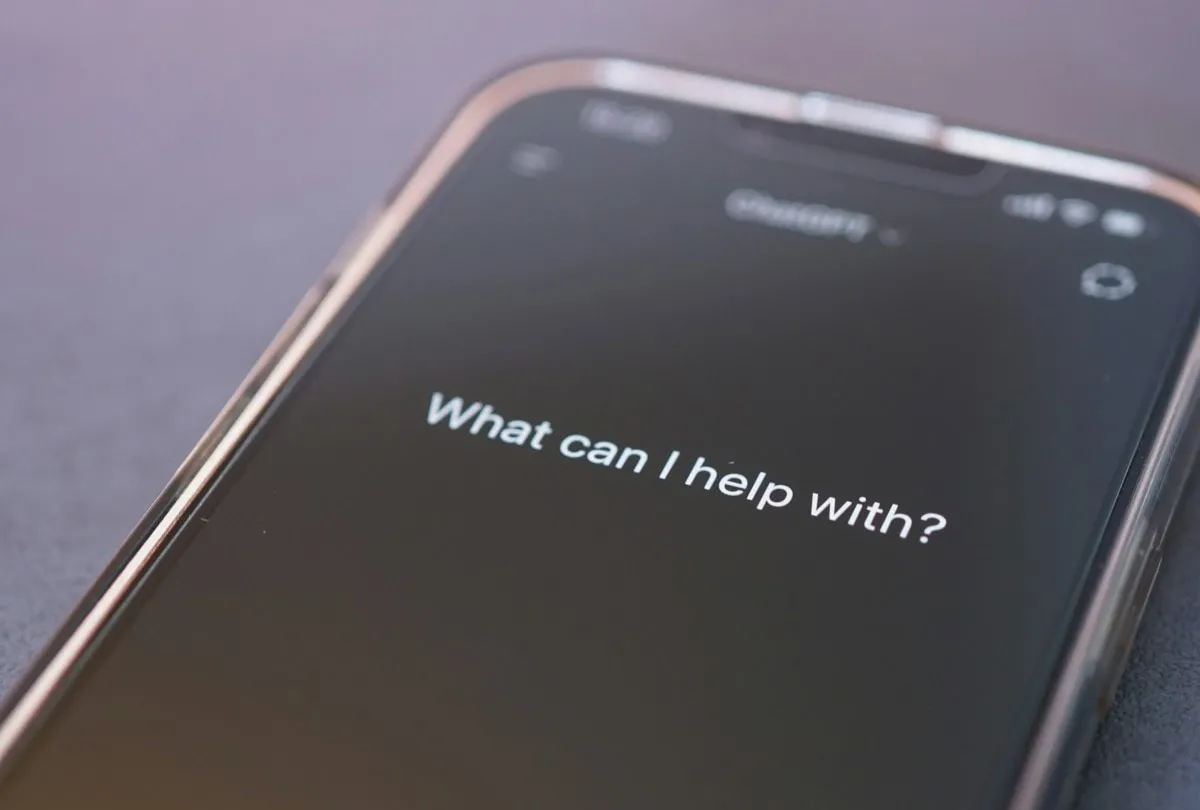
OpenAI may soon expand ChatGPT's role on Android by giving it access to more phone features. The assistant currently works as a default digital assistant, but its capabilities remain limited to voice conversations and text replies.
As competition heats up in the mobile artificial intelligence sector, developers continually look for ways to make digital assistants more useful for daily tasks. Users increasingly expect their voice assistants to handle practical tasks like sending messages and checking calendars without requiring them to open multiple apps.
Bringing deeper integration to mobile operating systems allows artificial intelligence tools to bridge the gap between simple text chat and active task management. This strategic shift reflects a broader industry trend toward context-aware assistants that can interact directly with the underlying hardware and software of a mobile device.
What New Features Are Found in the Android App Code?
Strings discovered in version 1.2026.328 of the Android app suggest a much broader set of features. These changes could allow ChatGPT to access contacts, manage calls, send messages, and control media playback.
According to the discovered strings, ChatGPT may be able to look up contacts, read recent calls, and place calls on request. It could also read and send text messages. However, users would first need to grant the required permissions before any of these actions can take place.
Code analysis often reveals upcoming functionalities long before an official announcement occurs. The presence of these strings in the application package points to active development and internal testing by the engineering team at OpenAI.
How Media Playback Control Will Work on Android
The assistant may also gain control over media playing on Android devices. Using notification access, it could pause, resume, or skip tracks. However, it reportedly won't be able to open music apps or start new songs. Instead, it would only control an existing playback session.
Limiting media management to active sessions ensures that the assistant acts as a remote control rather than a full media player replacement. Users can simply instruct the assistant to pause music when an incoming call arrives or skip a track during a workout without touching the screen.
This functionality relies on the notification listener service built into the Android operating system. Many third-party smartwatch companions and utility applications use this exact method to interact with active audio streams from various streaming platforms.
Understanding Screen and App Data Permissions
Another possible addition would let ChatGPT understand what is currently displayed on the phone screen. A new use screen and app data toggle suggests users could share this information with the assistant. ChatGPT would then check the screen again whenever users ask follow-up questions about it.
Screen awareness represents a major leap forward for mobile assistants because it removes the burden of manually copying and pasting text. If a user receives an interesting article or an email, the assistant can read the visual context directly to provide summaries or answers.
Privacy advocates closely monitor features that capture screen data, making user consent a critical component. The inclusion of a specific toggle switch indicates that users will retain direct control over when the assistant is allowed to view their display contents.
Exploring the Dot Card and Background Tasks
Some other discovered permissions mention a feature called Dot card. This could be connected to OpenAI's Dots, which can perform tasks without requiring users to keep the app open.
Two configuration flags, allowedWhileLocked and useDotAsAssistant, also provide clues about the feature. They suggest Dots could work while the phone remains locked. Users might also be able to set a Dot as their device's default digital assistant.
Background execution allows assistants to complete multi-step operations without demanding constant attention from the user. If implemented, this capability would position the technology closer to traditional system assistants that operate continuously in the background.
What Remains Unconfirmed and Future Outlook
For now, OpenAI has not confirmed these features or announced a release timeline. It is also unclear which capabilities will make it into the final version.
Software development involves testing numerous experimental ideas, and not every line of code found in an application update makes it to the public release. Users must wait for an official statement from the company to learn which tools will ultimately become available.
As the rollout timeline remains unconfirmed, industry observers continue to monitor subsequent app updates for further clues. The eventual inclusion of these controls would mark a substantial change in how users interact with artificial intelligence on mobile platforms.