Samsung Gallery Transitions to Google Storage for Cloud Sync
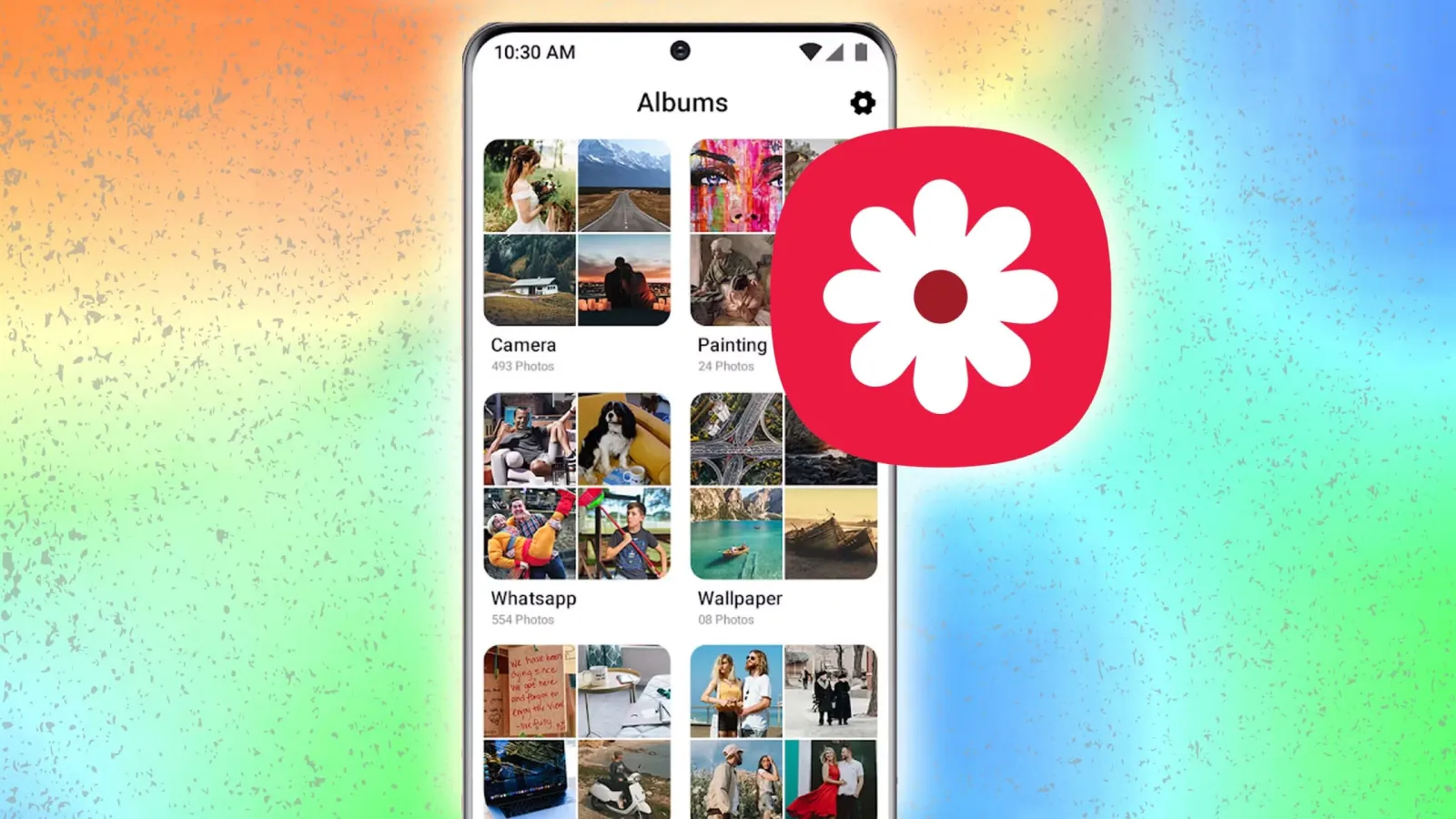
Samsung is moving its Gallery app's cloud sync service from Microsoft OneDrive to Google storage. The company has officially shared details about the change following the end of direct OneDrive syncing on September 30.
This major shift changes how millions of mobile device users handle their digital media backups. For years, the manufacturer partnered closely with Microsoft to offer cloud synchronization inside the native photo application. Now, the tech giant is aligning its ecosystem infrastructure with Google services.
The transition affects how people store pictures, manage device memory, and move data between hardware generations. Understanding the new integration requires looking at rollout phases, storage quotas, and software limitations.
Which Galaxy Devices Support Google Storage Sync?
The new Google storage integration is now rolling out to select Galaxy phones and tablets running One UI 9. However, the rollout will happen in phases, and some markets may not receive the feature right away.
Owners of compatible hardware need to check their software version to see if the option is available. Because the deployment occurs gradually, users in different regions will see the update appear at varying times. Samsung has not published a complete schedule for every specific model or country.
Users running older software versions or using legacy hardware will not see the new option. Those devices retain their current state, depending on whether they used the older OneDrive integration before support ended.
How Google Storage and Quotas Work with Samsung Gallery
The integration uses your existing Google account storage. Users get 15GB of free space shared across Gmail, Google Drive, and Google Photos. More storage is available through Google One subscriptions. However, Samsung Gallery does not provide additional storage, so available space depends on your current Google account usage.
This shared pool means that heavy email users or people with large Drive files will consume the same quota used for photo backups. If a user runs out of space, the synchronization process will pause until they free up room or purchase a larger subscription plan through Google One.
Unlike some custom cloud offerings that bundle bonus gigabytes with hardware purchases, this system relies entirely on standard personal account allocations. Monitoring available capacity becomes essential to prevent failed uploads.
Current Limitations in the Samsung Gallery Google Integration
There is another limitation at launch. Samsung Gallery only displays photos and videos synced after users enable the new feature. Existing Google Photos libraries will not appear automatically. However, Samsung's wording suggests this could change in a future update.
This behavior means users cannot immediately browse their historical Google cloud library directly inside the native Gallery app. They must use the standalone Google Photos application to view older pictures stored in that same cloud space.
Additionally, media previously tied to the Microsoft ecosystem requires separate handling. Meanwhile, photos and videos previously synced to OneDrive remain accessible through Microsoft's app and website. Users do not lose access to their existing cloud backups.
New Free Up Space Feature and Device Upgrades
Samsung has also introduced a new free up space feature. It removes original files from the device after syncing them to the cloud. However, thumbnails remain visible in the Gallery app.
This mechanism helps owners reclaim internal storage on phones and tablets with limited capacity. The low-resolution thumbnails let users browse their collections without consuming local flash memory for full-size files.
The feature also makes switching to a new Galaxy device easier. Users can enable sync with the same Samsung and Google accounts to see previews of their existing library. They can then download original files whenever needed.
Impact on Galaxy Users and Storage Management
The move gives Samsung Galaxy users another way to manage their photos without relying on direct OneDrive integration. However, users will need to monitor their Google storage, especially if they already use it for Gmail and other services.
People who previously relied on Microsoft infrastructure must now evaluate their Google account limits. Balancing email attachments, document storage, and high-resolution video backups within the standard 15GB tier requires careful attention.
As the rollout continues across supported regions and devices, millions of consumers will adapt to this updated cloud workflow. Keeping track of active subscriptions and available capacity remains the most practical step for managing digital media on modern mobile hardware.