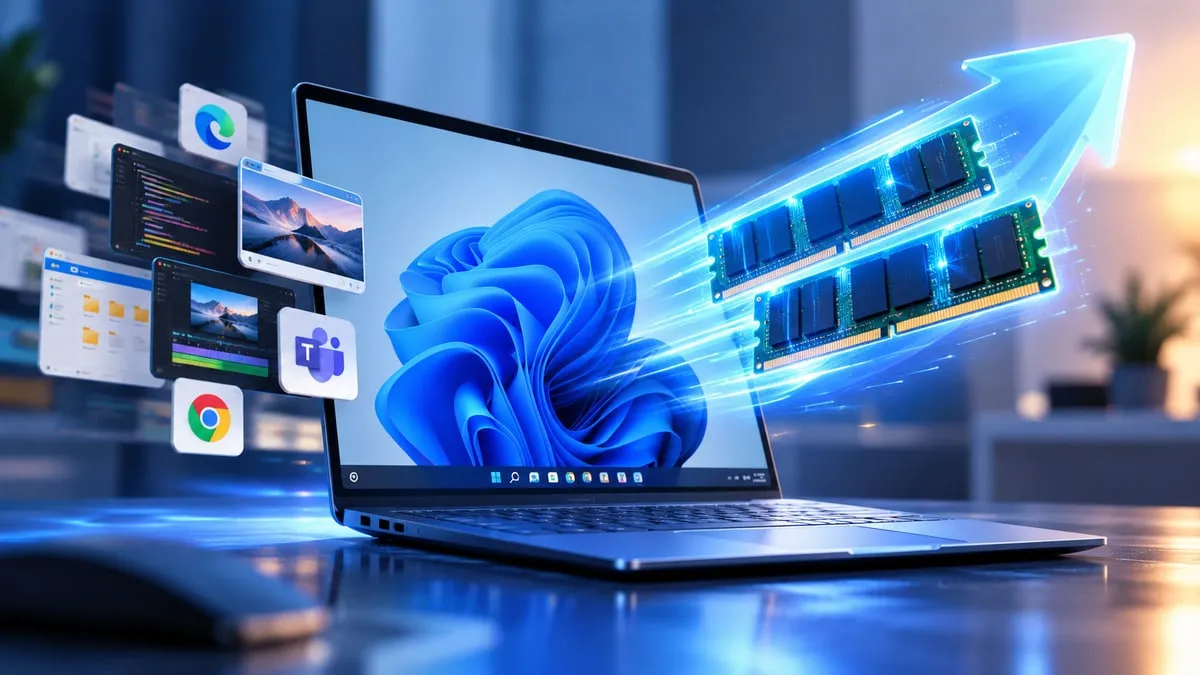
Microsoft announced that Windows 11 is up to 20 percent more responsive following a series of memory and performance upgrades across daily operating system functions. These enhancements impact features such as Start, Search, File Explorer, Settings, the Snipping Tool, and right-click menus, though the 20 percent metric stems from internal testing by Microsoft and does not apply to every workload.
8GB PCs Can Keep Up to 2GB More Data in RAM
One major update focuses on computers equipped with restricted memory. Microsoft stated that Windows 11 can now retain up to 2GB of extra active data in the memory of 8GB RAM computers instead of shifting it to slower storage drives. This change aims to minimize lag when users move between active applications and browser tabs. Additionally, Microsoft altered Widgets on computers with 8GB of RAM or less so they only load upon user activation, saving over 200MB of memory for other programs.
Taskbar Can Finally Move Again
Microsoft is giving users back control over the Windows 11 taskbar by letting people place it at the top, bottom, left, or right edges of the display. Most standard taskbar settings function in these new locations, though certain tools remain restricted depending on placement. Furthermore, Windows 11 introduces a compact taskbar setting that shrinks its height and icon dimensions to provide extra screen area. The Start menu also gains flexibility through new sizing choices and toggles to hide specific areas.
— Abhishek Yadav (@yabhishekhd) October 15, 2026
Windows Search Is Being Reworked
Microsoft is building a refreshed Windows Search interface that brings speed and memory optimizations. Search will soon accommodate direct actions straight from results, enabling users to adjust specific settings without launching the Settings app. It can also manage tasks like organizing or shrinking windows, alongside upcoming deeper phone connectivity.
New Photos App Is Faster
Microsoft is refreshing the Photos application with a restructured Gallery, Viewer, and Editor. The company reported that the Photos tool now opens up to 20 percent quicker. The updated editor supplies cropping and color editing utilities, alongside object removal and Relight options.
Phone-to-PC Integration Gets Better
Windows 11 is upgrading how computers link with Android devices and iPhones. Users can view phone alerts and texts from the Start menu, pick up phone calls, and manage phone controls directly from their computer. Compatible Android phones can launch applications inside adjustable desktop windows, and users can inspect phone files via File Explorer. Pictures snapped on a phone can also prompt a computer alert for faster retrieval. Moreover, Microsoft Resume can pick up supported tasks when transitioning between a phone and a computer.
Windows Update, Bluetooth and Windows Hello Improve
Microsoft noted it also adjusted Windows Update to better manage patches, cut down on random reboots, and speed up installation durations. Bluetooth connection and pairing stability received upgrades, with Microsoft stating that pairing certain AirPods is now up to 15 seconds quicker. Windows Hello biometric sign-ins via face and fingerprint are also becoming faster and more dependable. These updates are deploying across various Windows 11 builds, meaning access can differ based on hardware, location, and software version.