Understanding the SCKit Malware Campaign Against ScreenConnect
A sophisticated cyber attack involving malicious software known as SCKit has targeted users of the popular ScreenConnect remote access platform. Cybersecurity firm Huntress first detected the campaign on November 11, revealing that attackers hijacked legitimate remote access panels to push malware across at least 288 endpoints spread throughout 48 organizations. This security incident highlights the growing risk of supply chain and third-party integration vulnerabilities in modern enterprise environments.
The campaign relies on the abuse of trusted administrative software rather than a direct software flaw. By turning legitimate remote support infrastructure against its own users, the attackers created a persistent threat capable of bypassing standard perimeter security controls. ConnectWise, the company behind ScreenConnect, responded to the findings by disabling five third-party extensions across partner environments as a precautionary measure to contain the threat.
How the SCKit Attack Operates on Compromised Endpoints
The intrusion mechanism begins when malicious actors gain unauthorized access to cloud-hosted ScreenConnect panels. Once inside these environments, the attackers use the built-in Run Command feature of the platform to install rogue ScreenConnect clients directly onto managed endpoints. These unauthorized clients then deliver SCKit, a custom malware toolkit engineered to establish persistent backdoor access while simultaneously stealing browser session cookies from the host machine.
Upon execution, the SCKit payload arrives as an encrypted file deployed through a Base64-encoded dropper. The malware contacts an external command and control server to fetch PowerShell scripts. These scripts perform multiple malicious actions, including adding Microsoft Defender exclusions to avoid detection, installing attacker-controlled ScreenConnect clients, and creating a persistent scheduled task named TrapWatch. The toolkit also replaces the legitimate ScreenConnect installation with a modified, attacker-controlled copy.
The Worm-Like Lateral Movement Design
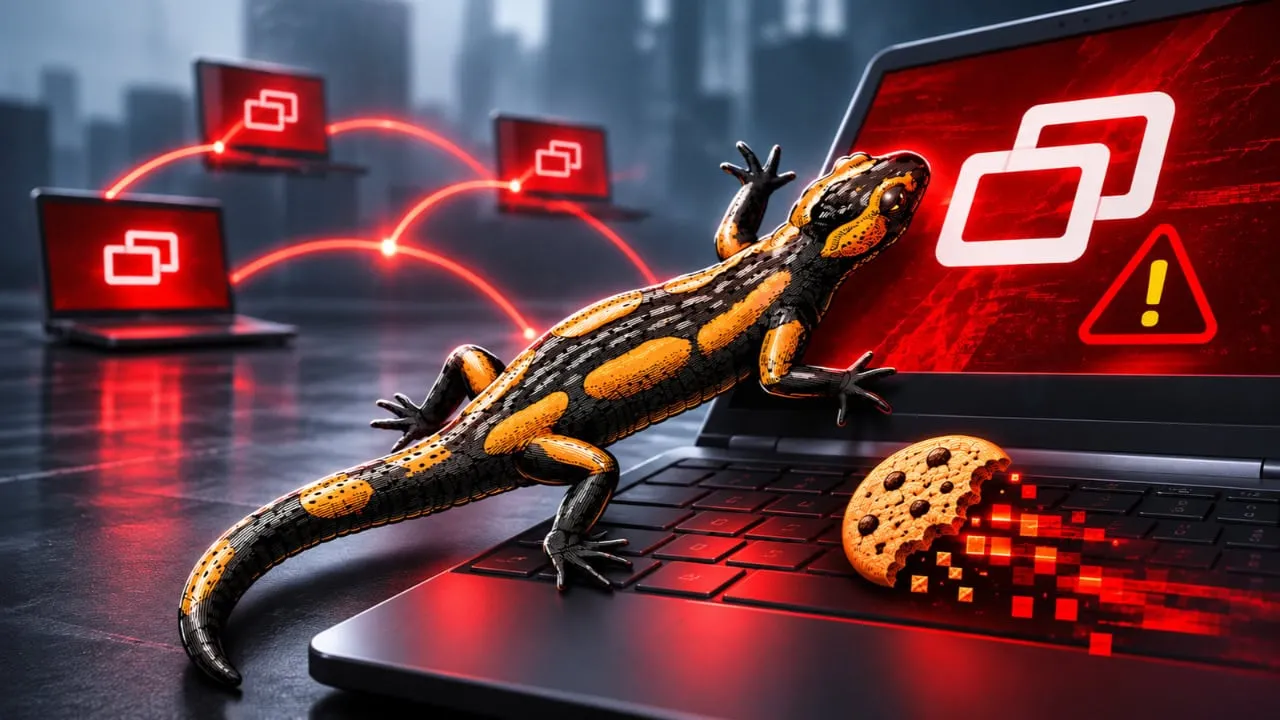
What makes this specific security incident uniquely dangerous is its worm-like lateral movement design. When a technician connects to an already infected endpoint through the ScreenConnect platform, the malware spreads backward from the endpoint to the technician personal workstation. Once established on the technician machine, the malware steals saved browser sessions and vital authentication tokens.
Because IT technicians typically manage multiple client environments and maintain elevated access privileges, a single compromised workstation enables attackers to pivot into every ScreenConnect panel that the technician accesses. Huntress described this as a distinct two-stage infection path moving from endpoint to technician, and then from technician back to every other reachable endpoint. This circular propagation creates a multiplier effect that rapidly expands the attacker footprint across different corporate networks.
ConnectWise Response and Third-Party Extensions
Following the disclosure of the attack, ConnectWise conducted a thorough investigation into the incident. The company stated it found no evidence of any security vulnerability residing within the ScreenConnect software itself, nor did it discover any compromise of its own corporate infrastructure. Instead, investigators suspect that attackers abused independent third-party extensions installed within partner environments.
ConnectWise identified roughly 400 partner environments that had at least one of the affected extensions installed, though the company emphasized that the mere presence of these extensions does not automatically confirm a system compromise. The specific third-party extensions identified in the breach include Labtech Plus, RMM Plus, RMM+, and their associated password link variants. Security researchers noted that the attacker tagged each compromised managed service provider with a sequential number. Because Huntress observed tracking tags that started partway through the numbering sequence, researchers believe that earlier, undetected victims likely exist.
Independent Confirmation and Wider Industry Impact
As the incident unfolded, other major cybersecurity organizations corroborated the findings reported by Huntress. Sophos independently confirmed the exact same attack pattern in a separate security alert published on the exact same day. This independent verification underscores the scale and precision of the campaign targeting managed service providers and their downstream clients.
Another notable detail discovered during the technical analysis involved the origin of the attack scripts. Huntress noted that at least one of the PowerShell scripts used by the attackers contained detailed code comments bearing the characteristic traits of output generated by large language models. This observation points to the increasing use of artificial intelligence tools by threat actors to draft, refine, or document malicious code during cyber operations.
Mitigation Steps and What Comes Next
Organizations using remote monitoring and management platforms face significant operational risks when administrative tools are weaponized. Security analysts advise system administrators to audit all active extensions within their remote access environments and review user access logs for unusual activity. Enterprises must also monitor technician workstations for unauthorized PowerShell execution and unexpected changes to scheduled tasks.
As cybersecurity firms continue to analyze the telemetry from this campaign, affected organizations must work to revoke compromised session tokens and rotate administrative credentials. The incident serves as a stark reminder of the security challenges inherent in interconnected IT management ecosystems, where a single weak link can jeopardize dozens of downstream corporate networks.