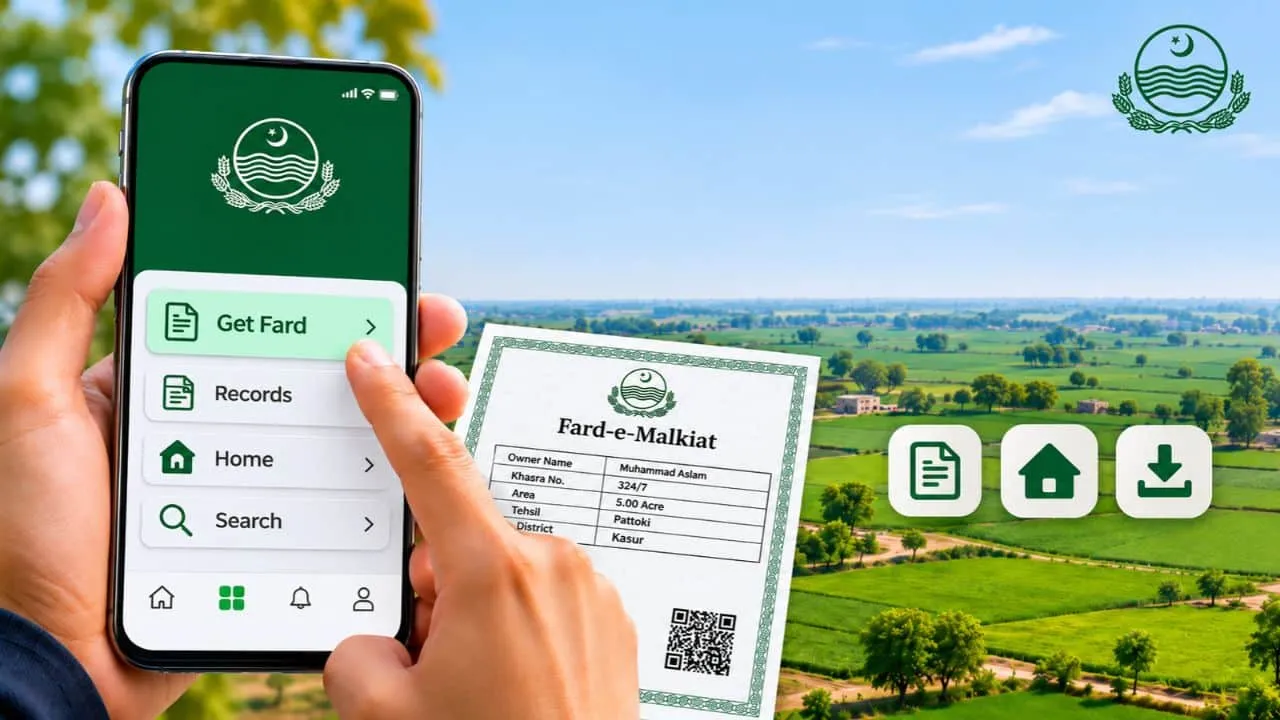
How to Get Your Land Ownership Record Online in Punjab
The Punjab government has introduced a digital service that allows citizens to obtain their land ownership records, commonly known as Fard-e-Malkiat, through the Punjab Zameen mobile application. This development marks a major shift in how property owners interact with government departments, removing the traditional requirement to visit local offices in person.
According to the Punjab Land Records Authority (PLRA), citizens can request and download verified land ownership documents directly through their smartphones without visiting a land record office. The authority has stated that users can obtain their digital Fard in just two minutes by following a five-step process, though the actual processing time may vary depending on record availability and payment confirmation.
Steps to Download Digital Fard Using Punjab Zameen App
The Punjab Land Records Authority has outlined the following steps for obtaining a digital Fard through its mobile application. Following this procedure correctly ensures that applicants avoid common errors during the verification process.
Step 1: Log In to Punjab Zameen App
First, download the Punjab Zameen App from the Google Play Store or Apple App Store. Open the application and log in using your Computerized National Identity Card (CNIC) number and password.
Step 2: Select the Get Fard Option
After logging in, go to the application's home screen and select the "Get Fard" option. The application will direct you straight to the land ownership record service.
Step 3: Enter Your Land Details
Select the district, tehsil, and mouza (village) where your property is located. Next, enter the relevant Khasra or Khewat number to identify your land record. Make sure you provide the correct details to avoid errors during the verification process.
Step 4: Pay the Fee Online
After entering the required land information, the application will generate a Payment Slip ID (PSID). Use the generated PSID to pay the applicable service fee through the 1Bill payment system or mobile banking. The authority's announcement does not specify a fixed fee for obtaining the digital Fard.
Step 5: Download Your Digital Fard
Once the system confirms your payment, you can download the verified digital Fard directly to your smartphone. You can save the document for future reference or print it when required.
Understanding Fard-e-Malkiat and Its Uses
Fard-e-Malkiat is an official land record document that contains information about property ownership. The document provides details such as the owner's name, land location, area, and other relevant ownership information. Citizens commonly use the document for property transactions, ownership verification, legal matters, and other land-related purposes. The Punjab Land Records Authority provides the digital Fard service to make these records easier to access for everyday citizens and property investors alike.
Where to Find and Download Punjab Zameen App
Citizens can download the official Punjab Zameen App through the Google Play Store and Apple App Store. The application allows users to access digital land record services, request ownership documents, and track certain land-related transactions. Users can also visit the official Punjab Land Records Authority website for further information. The authority has encouraged citizens to use its digital services to access land records without unnecessary visits to government offices. However, users should ensure that their land records are already available in the computerized system before requesting a digital Fard.