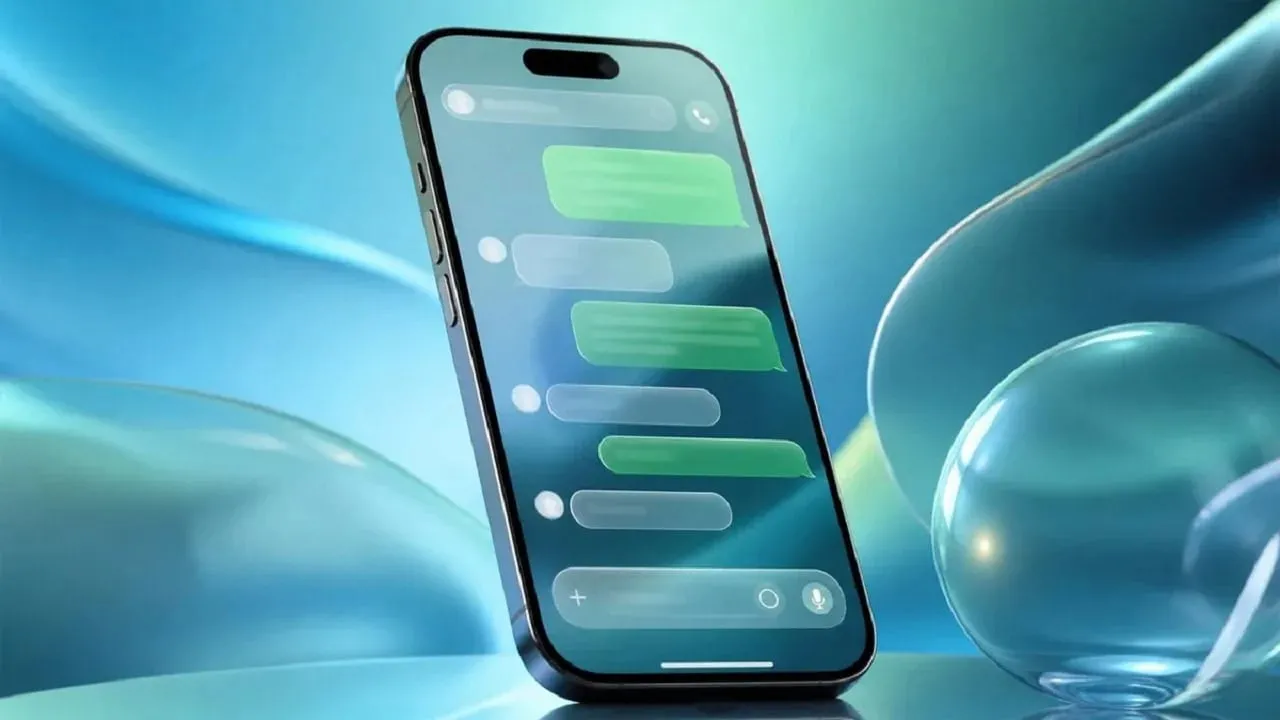
WhatsApp Gallery Photo Suggestions Arrive on Mobile Devices
WhatsApp is rolling out a new feature that suggests recently added photos and videos when users open a chat. The feature is arriving on both Android and iOS with the latest app versions. This update aims to streamline how people share visual content with friends and family members during daily messaging.
The new option builds on WhatsApp's existing sticker suggestions, which appear above the keyboard based on typed emojis. However, it now makes sharing recent media easier by displaying the latest item from a user's phone gallery directly inside the chat interface.
How Media Suggestions Appear in Chats
Understanding how the interface behaves helps users manage their incoming messages and visual prompts. There are two ways the suggestion can appear. In the first, a small notification appears above the chat bar with a thumbnail of the latest photo or video.
In the second, WhatsApp temporarily replaces the camera icon with the same media thumbnail. These visual cues are designed to draw attention to fresh content without interrupting the normal flow of text conversation.
Privacy and Safeguards During Media Sharing
Users can ignore these suggestions and continue their conversations as usual. The notification also includes a close button for immediate dismissal. Moreover, tapping a thumbnail does not immediately send the selected media to the recipient.
Instead, WhatsApp opens its drawing editor, allowing users to review the content before sharing. They can also add captions or stickers to personalize the item. Users can exit the editor without sending anything, which helps prevent accidental shares.
Types of Media Included in the Feature
The system operates automatically based on the device storage contents. The feature does not distinguish between different media sources. It simply suggests the latest item added to the gallery.
This could include camera photos, screenshots, images downloaded from websites, or videos saved from other apps. Because it pulls the absolute newest file, users should remain mindful of what they save to their devices right before opening specific chats.
How to Disable Gallery Photo Suggestions
The feature is enabled automatically once it reaches an account. However, users who do not want these suggestions can disable them easily through the application preferences. To turn off the feature, open Settings > Chats and disable Recent media suggestions.
This control ensures that individuals who prefer a cleaner typing interface or tighter privacy controls can opt out of the automatic prompts without affecting other functions of the messaging platform.
Rollout Schedule and Availability
WhatsApp is rolling out the feature gradually, so availability may vary between accounts and geographic regions. More users are expected to receive it over the coming weeks as updates propagate through the respective app stores.
However, the company has not confirmed when the rollout will reach everyone globally. Users should check for the latest application updates on the Google Play Store or Apple App Store to ensure they receive the capability as soon as it becomes available to their specific account.