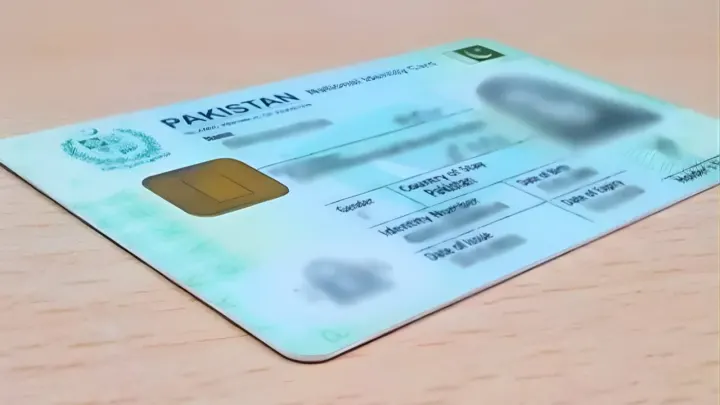
Foreign visitors and overseas Pakistanis can now use the Pakistan Telecommunication Authority online guide to temporarily register their mobile phones for a maximum of 120 days per visit without paying any taxes. This service lets eligible travelers operate devices on local networks during their stay, bypassing standard Federal Board of Revenue duties. The automated registration runs through the Device Identification, Registration and Blocking System at no cost. Visitors may register one mobile device per trip under this policy, provided they meet all verification criteria.
Who Can Apply for Temporary Mobile Registration
Short-term foreign visitors and overseas Pakistanis qualify for this temporary registration service. Workers based abroad, students studying outside Pakistan, and foreign travelers are all eligible. Applicants must possess valid travel documents along with a Pakistani mobile SIM issued in their own name. The system checks arrival records through the Integrated Border Management System of the Federal Investigation Agency.
Documents and Information Required
Travelers need specific information ready prior to beginning the application process.
- Valid CNIC or NICOP details, where applicable.
- Passport number and travel details.
- Date of arrival in Pakistan and intended departure date.
- IMEI number of the mobile phone.
- A Pakistani mobile number registered in the applicant's name.
- Access to the registered mobile number for OTP verification.
By dialing *#06#, users can locate the IMEI number of their phone. Dual-SIM device users need to supply the necessary IMEI details for their hardware.
How to Register Your Mobile Phone Tax-Free for 120 Days
The official DIRBS portal handles online applications for overseas visitors and non-residents.
Step 1: Visit the DIRBS Portal
Navigate to the official PTA DIRBS registration portal at https://dirbs.pta.gov.pk/drs/login. This online system allows travelers to complete registration without visiting a PTA office.
Step 2: Create an Account
Register on the website by choosing the option for temporary registration meant for foreign nationals and overseas Pakistanis. Existing users can sign in with their current login details.
Step 3: Enter Personal and Travel Information
Input necessary travel and identification data, such as passport details and CNIC or NICOP numbers. Passport entries must match immigration records exactly, and foreign nationals must supply passport data. The system verifies entry into the country using these records.
Step 4: Verify Your Account
Finish the verification via SMS or email. Log back into the portal after successful verification to proceed with the temporary registration.
Step 5: Enter Your Mobile Phone's IMEI Number
Input the IMEI number for the device you wish to register. Users must specify if the phone is single-SIM or dual-SIM, and dialing *#06# reveals the IMEI number.
Step 6: Provide Your Pakistani Mobile Number
Supply a local mobile number issued under your own name. Mobile network operators check ownership of the SIM, and the application may halt if the number belongs to someone else.
Step 7: Select Your Mobile Network Operator
Pick the local mobile network tied to your SIM card. Check all entered information carefully before moving forward.
Step 8: Submit the Application and Complete OTP Verification
Send in the form and finish verification by entering the one-time password sent to your mobile number. The device gains temporary access to local networks once verification succeeds.